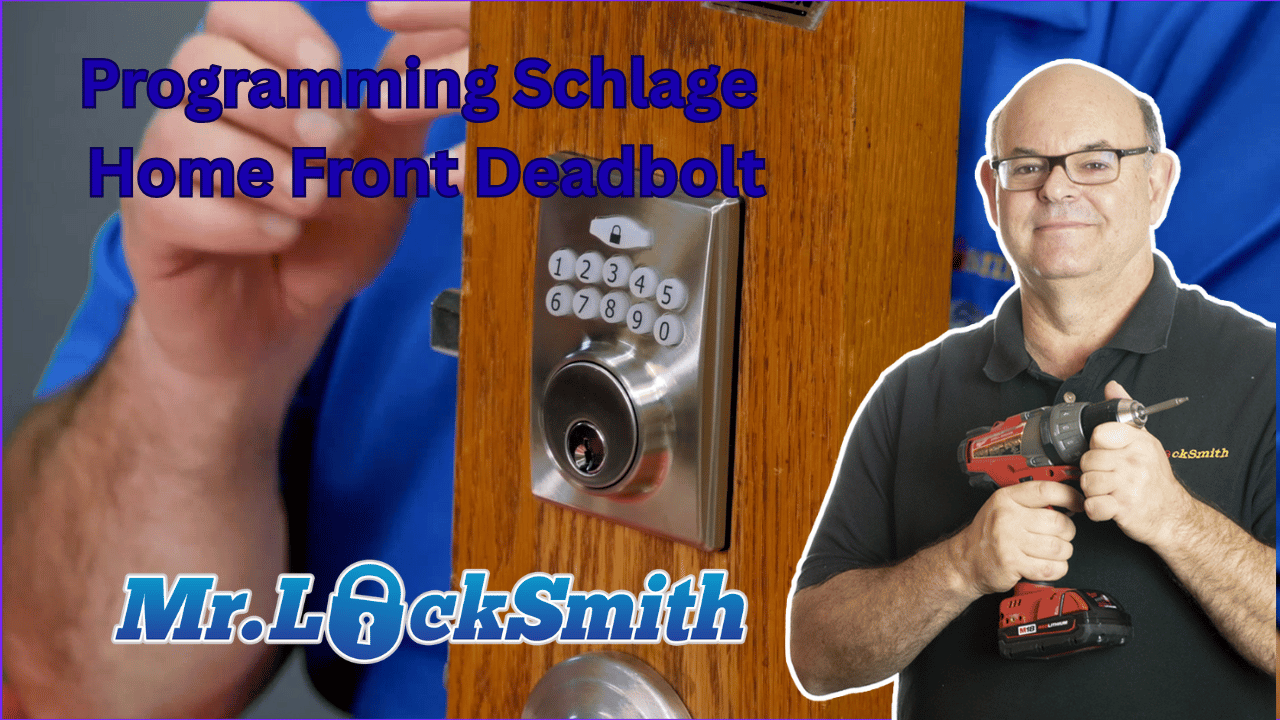
Programming Schlage Home Front Deadbolt: Terry from Mr. Locksmith demonstrates how to program and reset the Schlage Home Front Electronic Deadbolt. Learn how to set a new programming code, add up to 10 user codes, and troubleshoot common mistakes that can lead to lockouts.
We cover step-by-step instructions for safely removing the lock plate, connecting the wiring, and using the set button to program your lock. Terry also explains how to patiently work through the lock’s “thinking” cycle to avoid errors, and shows how to reset the deadbolt to factory defaults if something goes wrong.
Perfect for homeowners, locksmiths, and DIY enthusiasts, this guide ensures your Schlage electronic deadbolt is secure, functional, and fully customized to your needs. Avoid lockout frustrations and master your Schlage programming with confidence! (Source: Terry Whin-Yates)
Source: Mr. Locksmith Youtube http://www.youtube.com/user/24hrMrLocksmith
Programming Schlage Home Front Deadbolt
Programming a Schlage Home Front Deadbolt can seem daunting at first, but with a little patience and the right instructions, you can master it and keep your home secure. Whether you’re setting up a new lock or troubleshooting an existing one, this guide will walk you through the process.
Default Settings and Initial Setup
The factory default code for your Schlage Home Front Deadbolt is 1, 2, 3, 4, 5, 6. This code allows you to lock and unlock the deadbolt right out of the box. For security reasons, you’ll want to change this to a personal programming code. You can select a code between four to six digits long.
Programming a New Code
To set up your new programming code, follow these steps:
- Prepare Your Lock: The lock should be installed and functioning correctly. It’s crucial to carry out these operations with the door open to avoid being locked out.
- Remove the Plate: Squeeze the side of the plate to remove it. It’s important to note that many customers panic when they mistakenly lock themselves out after resetting the lock with the door closed.
- Press the Set Button: Press and hold the set button for one second until you hear a beep.
- Enter Your New Code: Punch in your new programming code, hit the ‘lock’ button, and then press ‘1, 0’. Lock it again to confirm the new code. Allow the lock to process before proceeding – patience is key.
- Verify Your Code: Once the red light turns to green, your new programming code should be set and ready for use.
Adding User Codes
The Schlage lock allows you to add up to 10 user codes for different individuals accessing your home. Here’s how to do it:
- Set from Inside: With the set button pressed for one second, input your new programming number, then hit ‘lock’.
- Enter User Code: Input ‘2, 0’, followed by your desired user code (e.g., 1, 2, 3, 4), and then hit lock again.
- Let it Think: Wait until the process completes. The lock might take time to process—avoid rushing to prevent errors.
Factory Reset Procedures
Mistakes happen, and sometimes you may need to reset your lock to factory settings. Follow these steps to reset:
- Remove a Battery: Start by removing one battery from the lock.
- Reinsert the Battery: As you reinsert it, hold down the set button simultaneously.
- Listen for Beep: Wait for a long beep to finish, indicating that your lock has reset.
- Confirm the Reset: Test with the original default code or your newly set code to confirm.
Final Thoughts
The Schlage Home Front Deadbolt is a robust and reliable lock, but it requires patience and careful following of instructions for programming and resetting. Many users experience frustrations with speed and responsiveness, but the key is to allow the lock to process each step fully. With practice, you’ll navigate through set-up and troubleshooting with ease, keeping your home secure and your mind at ease. Source: Terry Whin-Yates Mr. Locksmith Linkedin
Mr. Locksmith Automotive (604) 259-7617
ONLINE AUTOMOTIVE LOCKSMITH COURSE & WEBINAR
✅ Sign up here: https://mr-locksmith-training.thinkific.com/courses/automotive-locksmith-training
For Updated Locksmith Workshop Training Dates and Location go to https://mrlocksmith.com/locksmith-workshop-training-dates/
✅ Sign up here: https://mr-locksmith-training.thinkific.com/courses/locksmith-course-Become-a-Locksmith