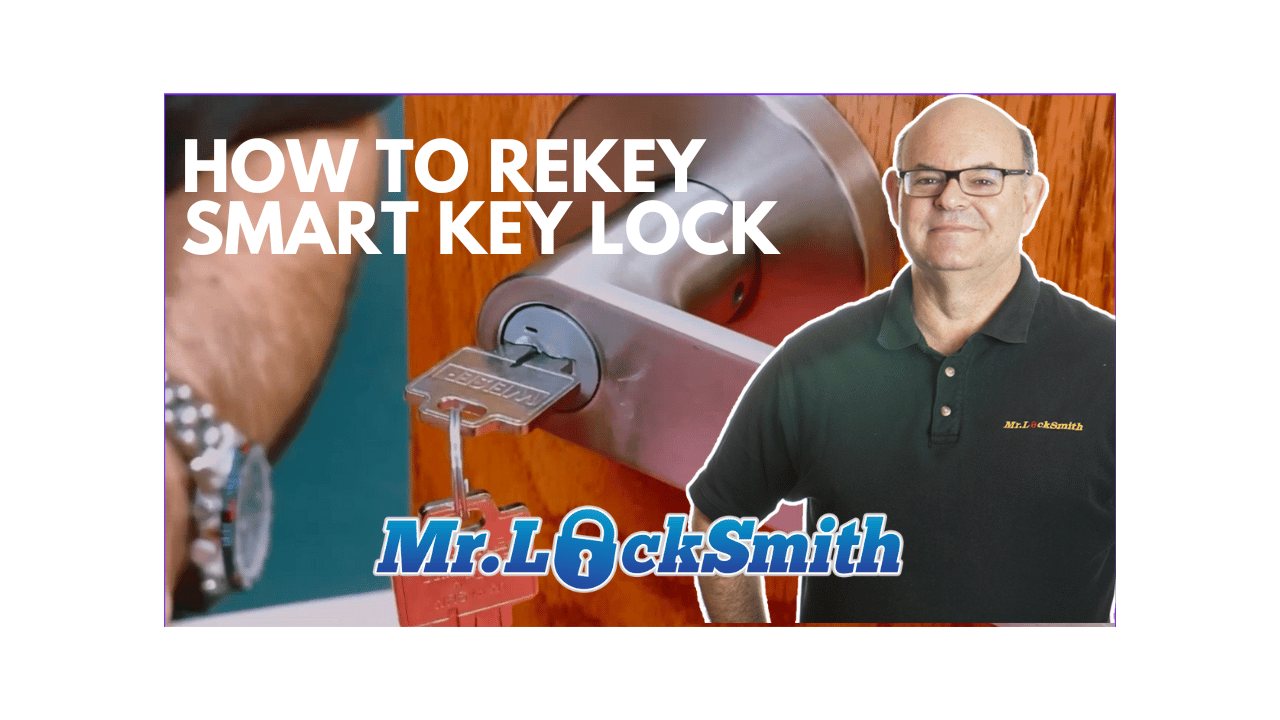
How to Rekey a Kwikset SmartKey Without “Bricking” the Cylinder: In the world of residential security, speed is profit—and nothing offers a faster turnaround than the Kwikset SmartKey system. However, one wrong move can “brick” a cylinder and turn a simple re-key into a costly replacement.
In this Mr. Locksmith™ training module, we go beyond the basic consumer instructions. I’ll show you the professional techniques for re-keying Kwikset, Weiser, and Baldwin SmartKey locks with 100% success. Whether you are dealing with a “no-click” reset or using a custom-cut code key, you’ll learn the tactile cues and alignment secrets that only a master locksmith knows. (Source: Terry Whin-Yates)
Source: Mr. Locksmith Youtube http://www.youtube.com/user/24hrMrLocksmith
How to Rekey a Kwikset SmartKey Without “Bricking” the Cylinder
Mr. Locksmith Automotive (604) 259-7617
The Kwikset SmartKey (also branded as Weiser and Baldwin) is one of the most common residential locks on the market today. Unlike traditional pin-tumbler locks, the SmartKey system uses a sidebar and slider design. This allows for rapid re-keying without removing the lock from the door or touching a single pin.
In this training module, we break down the professional method for re-keying these cylinders and how to troubleshoot the common “no-click” scenario.
The Re-Keying Process: Step-by-Step
To identify a SmartKey lock, look for the small, rectangular reset slot located immediately to the left of the keyway. If that slot is present, follow these steps:
1. The Positioning
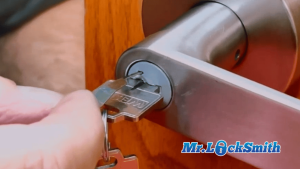
Insert the current working key and rotate it 90 degrees clockwise to the horizontal position.
Note: The reset mechanism will only align when the plug is exactly horizontal.
2. Engaging the Reset Tool
Take your SmartKey Reset Tool and insert it firmly into the small slot.
The “Click”: Ideally, you want to hear or feel a distinct “click.” This indicates the internal wafers have been displaced and are ready to receive a new cut.
Troubleshooting: If you don’t hear a click, don’t panic. Sometimes the tool goes in further than expected without a sound. As long as the tool seats fully, the reset is likely engaged.
3. Removing the Tool & Key
With the tool still in the horizontal position, pull the reset tool straight out. Do not twist it. Next, pull the old key straight out of the keyway.
4. Setting the New Key
Insert your new key (cut to Kwikset depths 1–6). Ensure it is pushed all the way to the back of the cylinder. Rotate the key back to the vertical (12:00) position.
Success: Your lock is now programmed to the new key, and the old key is permanently invalidated.
Critical Technical Specs
When cutting new keys for this system on a code machine, remember the standard Kwikset factory specifications:
| Specification | Measurement |
| Depths | 1 through 6 |
| Max Increment | 0.015″ |
| Keyway Type | KW1 or KW10 |
Troubleshooting: “I didn’t hear the click!”
It is a common field issue: you push the tool in, but it’s silent.
Check Alignment: Ensure the key is exactly at 90 degrees.
Apply Firm Pressure: Sometimes the sidebar is stiff. A firm, steady push is better than a “jab.”
Verify the Reset: If the old key no longer turns the lock, but the new one does, the reset worked regardless of the sound.
🔓 Take Your Skills to the Next Level
Re-keying is the “retail” side of locksmithing. If you want to learn the Expert Side, join our advanced training.
In the Advanced Members-Only Module, you will learn:
The SmartKey Cradle: How to recover a lock when the original key is lost.
Decoding: How to read the internal sliders to cut a key from scratch.
Bypass Methods: Non-destructive entry techniques specific to the SmartKey sidebar.
Force Tools: When and how to use specialized force tools for high-speed entry.
[Browse All Online Training Courses] | [Join the Mr. Locksmith Membership]
Source: Terry Whin-Yates Mr. Locksmith Linkedin
ONLINE AUTOMOTIVE LOCKSMITH COURSE & WEBINAR
✅ Sign up here: https://mr-locksmith-training.thinkific.com/courses/automotive-locksmith-training
For Updated Locksmith Workshop Training Dates and Location go to https://mrlocksmith.com/locksmith-workshop-training-dates/
✅ Sign up here: https://mr-locksmith-training.thinkific.com/courses/locksmith-course-Become-a-Locksmith
Source: Terry Whin-Yates Mr. Locksmith Linkedin