
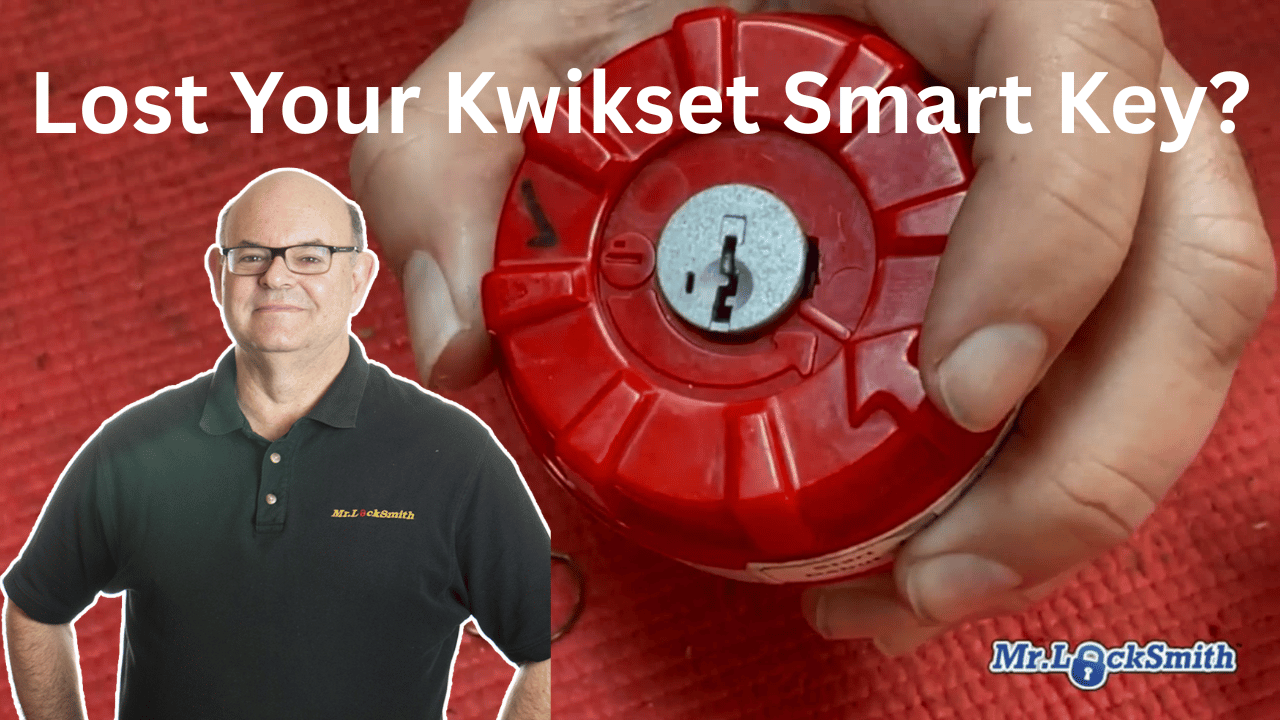
Lost Your Kwikset SmartKey? How to Reset It Without a Key: Terry Whin-Yates of Mr. Locksmith™ details the industry-standard method for recovering a Kwikset SmartKey cylinder when all keys are lost and the door is unlocked. The procedure utilizes specialized Non-Destructive Entry (NDE) tools to reset the internal sidebar mechanism without damaging the lock hardware. Lost all your keys? Learn how to perform a Kwikset SmartKey Reset without the original key using a professional reset cradle and the “Pickle” cylinder removal tool. Join Master Locksmith Terry Whin-Yates as he demonstrates this essential locksmith training technique for rekeying “bricked” or lost-key cylinders. (Source: Terry Whin-Yates)
Source: Mr. Locksmith Youtube http://www.youtube.com/user/24hrMrLocksmith
Lost Your Kwikset SmartKey? How to Reset It Without a Key
Mr. Locksmith Automotive (604) 259-7617
✅ For Updated Locksmith Workshop Training Dates and Location go to https://mrlocksmith.com/locksmith-workshop-training-dates/
It happens to the best of us: you’re standing in front of a Kwikset SmartKey lock (also found on Weiser and some Baldwin models), and there isn’t a single working key to be found. Because these locks don’t use traditional pins, you can’t just shim or pick them the old-fashioned way.
In this guide, we’re going to show you the “Mr. Locksmith way” to reset the cylinder using a SmartKey Reset Cradle.
The “Pickle” and the Cradle: Your Essential Tools
To get this job done, you’ll need:
-
The “Pickle” (Cylinder Removal Tool): A specialized tool with a pointy end and a fork end used to pop the cylinder out of the housing.
-
SmartKey Reset Cradle: A professional jig that aligns the internal sidebar without needing a key. Lost Your Kwikset SmartKey? How to Reset It Without a Key.
-
A New Key: Whatever key you want to work with the lock moving forward.
Step 1: Removing the Cylinder
First, remove the lock from the door. Terry recommends putting a small mark on the housing so you know which way is “up” before you start.
-
Release the Plastic: Use the pointy end of the “pickle” to push the small spring inside the housing. This drops the plastic retainer.
-
Pop the Cylinder: Use the fork end of the pickle. Aim it straight at the post and give it a firm push (or a little tap). This forces the internal clips in, allowing the cylinder to slide right out.
Pro Tip: Terry keeps several “pickles” in his truck because they are notoriously fragile. If yours feels stuck, don’t force it—just ensure you’re lined up straight.
Step 2: Using the Reset Cradle
Now that you have the “plug” (the SmartKey part) in your hand, it’s time to reset the internal sidebar.
-
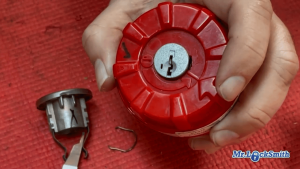
Align the Arrow: On the red reset cradle, line up the arrow with the small picture on the frame.
-
Insert the Plug: Drop the cylinder into the cradle so it sits flush.
-
The Big Click: Twist the cradle handle until it stops. Now, take your reset tool (or even a sturdy pick) and push into the small reset hole. You are looking for a solid “Click” or a firm “Thud.” This means the sidebar has been cleared.
Step 3: Keying to the New Key
-
Insert the New Key: With the cradle still in the reset position, slide your new key into the keyway.
-
Rotate and Remove: Turn the key to the locked position and remove the plug from the cradle.
-
Test: Your lock is now officially keyed to that new key!
Step 4: Reassembly (Don’t Forget the Parts!)
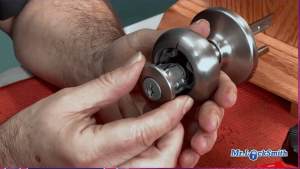
Slide the cylinder back into the housing (referencing that mark you made earlier).
-
Clip it in: Ensure the metal clip is secure so the cylinder doesn’t fall out in the customer’s hand later.
-
The Plastic Bit: Don’t be like Terry in the video—remember to put that little piece of plastic back in before you mount it!
-
Snug, Not Tight: When screwing the lock back onto the door, remember the Mr. Locksmith motto: “We are in the business of snug, not overtight.”
Why Replace Instead of Repair?
Terry’s advice is simple: SmartKey locks are inexpensive. If the internal parts look worn or the reset isn’t “feeling” right, replace the cylinder. Don’t “fart around” with a failing SmartKey lock—your security isn’t worth the few dollars you’d save trying to fix a broken one.
Kwikset SmartKey Reset: Frequently Asked Questions
1. Can I reset a Kwikset SmartKey lock if I don’t have the original key?
Yes. While the standard “Learn Tool” requires the original key to function, a professional SmartKey Reset Cradle allows you to reset the cylinder manually. This requires removing the cylinder from the door and placing it into the cradle to force the internal sidebar into the reset position.
2. Why didn’t I hear a “click” when using the SmartKey Reset Tool?
In the Mr. Locksmith™ video, Terry notes that sometimes you get a “thud” instead of a “click.” If the internal wafers are already loose or the lock is heavily lubricated, the sound may be muffled. As long as the sidebar is depressed and the new key is accepted, the reset was likely successful.
3. My Kwikset cylinder won’t come out of the housing. What am I doing wrong?
This is usually an alignment issue. Ensure the “pickle” (Cylinder Removal Tool) is aimed directly at the post. The tool must force the two internal clips inward simultaneously. If the lock is older, a light tap with a hammer on the end of the tool can help overcome friction or debris inside the housing.
4. What does it mean if my SmartKey lock is “bricked”?
A lock becomes “bricked” if the reset process is interrupted or if a key is turned while the sidebar is only partially engaged. If the Reset Cradle cannot recover the lock, the internal sliders may be damaged. Because these cylinders are inexpensive, the professional recommendation is to replace the cylinder rather than attempt a complex internal repair.
5. Can the Red SmartKey Reset Cradle work on Schlage (SC1) SmartKey locks?
No. The standard red cradle demonstrated by Terry is designed specifically for KW1 (Kwikset) keyways. Schlage-style SmartKey locks (SC1) require a different cradle configuration due to the different keyway shape and depth requirements.
6. Why is it important to mark the “up” position on the cylinder?
If the cylinder is re-inserted upside down, the internal timing of the lock will be off, and the key may not turn or remove properly. Terry recommends marking the cylinder or the housing with a pen or a scratch to ensure 100% accuracy during reassembly.
Lost Your Keys? Don’t Replace Your Lock—Reset It!
Struggling with a “bricked” Kwikset SmartKey or lost the only copy of your key? You don’t need to spend a fortune on a whole new handle-set. At Mr. Locksmith™, we specialize in professional rekeying locks and SmartKey Reset Services.
Using our specialized SmartKey Reset Cradle, we can bypass the “lost key” hurdle, clearing your lock’s internal memory and programming it to a brand-new key in minutes. It’s the fastest, most affordable way to regain total control over your home security.
Why Choose Mr. Locksmith™ for your SmartKey Reset?
-
No Original Key Required: We use professional tools to reset “bricked” or lost-key cylinders.
-
Save Your Hardware: Keep your expensive designer handles and deadbolts intact.
-
Non-Destructive Entry: We finesse the lock back to life without drilling or damage.
-
Mobile Service: We come to you—anywhere in the Lower Mainland—fully equipped and ready to work.
Secure your home today with the experts who literally wrote the book on locksmithing.
[Call Mr. Locksmith™ at 604-670-1188]
Learn the Trade
Mastering the SmartKey reset is just the beginning. Whether you’re a beginner or looking for advanced Covert Methods of Entry, we have the training for you. Source: Terry Whin-Yates Mr. Locksmith Linkedin
[Visit Mr. Locksmith Training Today] to see our full range of online and in-person courses!
Mr. Locksmith Automotive (604) 259-7617
ONLINE AUTOMOTIVE LOCKSMITH COURSE & WEBINAR
✅ Sign up here: https://mr-locksmith-training.thinkific.com/courses/automotive-locksmith-training
For Updated Locksmith Workshop Training Dates and Location go to https://mrlocksmith.com/locksmith-workshop-training-dates/
✅ Sign up here: https://mr-locksmith-training.thinkific.com/courses/locksmith-course-Become-a-Locksmith
Source: Terry Whin-Yates Mr. Locksmith Linkedin